This is “Gene­ral text on ent­ry landing page befo­re an acti­va­ted ent­ry”, is only visi­ble on an ent­ry landing page of an ent­ry and can be con­fi­gu­red for every cg_​gallery short­code type in “Edit opti­ons” »> “Ent­ry view”
NOTE :the cg_​gallery… short­code with entry_​id added to this page can be pla­ced on any other of your pages
NOTE :social media share icons can be con­fi­gu­red in “Edit opti­ons” »> “Ent­ry view”
NOTE :“Back to gal­lery but­ton cus­tom URL” can be con­fi­gu­red in “Edit opti­ons” »> “Ent­ry view”

Pho­to con­test ist over 
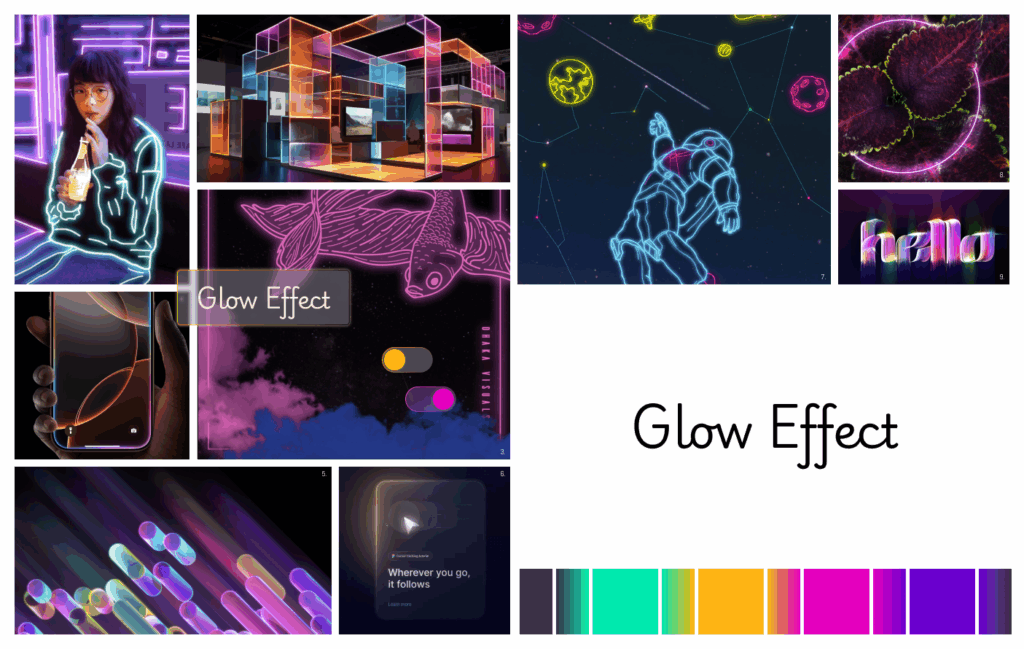
Moodboard "Glow Effect"
Edit

Cate­go­ry :

Sons­ti­ge

Title :

Mood­board “Glow Effect”

Descrip­ti­on :

Inspi­riert durch : 1. “Glo­wing effect on pho­to­shop” von Sal­ma Ashraf (www​.behan​ce​.net/salmaashraaff) 2. “Exhi­bi­ti­on stand com­po­sed of colorful acrylic mate­ri­als” von Rajesh Vishwak­ar­ma (www​.behan​ce​.net/rajv1312) 3. “NEON” von Has­nat Rabi (www​.behan​ce​.net/timezero) 4. www​.apple​.com/de​/iphone-16-pro 5. “Head­rock VR” von Cheolhong Kim (www​.behan​ce​.net/cheolhongkim) 6. “PRO­to : Cur­sor track­ing” von Dou­bleG­litch (www​.fig​ma​.com/@double_glitch) 7. “ASTRONOMY” von Has­nat Rabi (www​.behan​ce​.net/timezero) 8. “Pur­ple” von Cait­lin Hart­zen­berg (www​.behan​ce​.net/catehartzenberg) 9. “CK Font02_​Brush” von Cheolhong Kim (www​.behan​ce​.net/cheolhongkim)

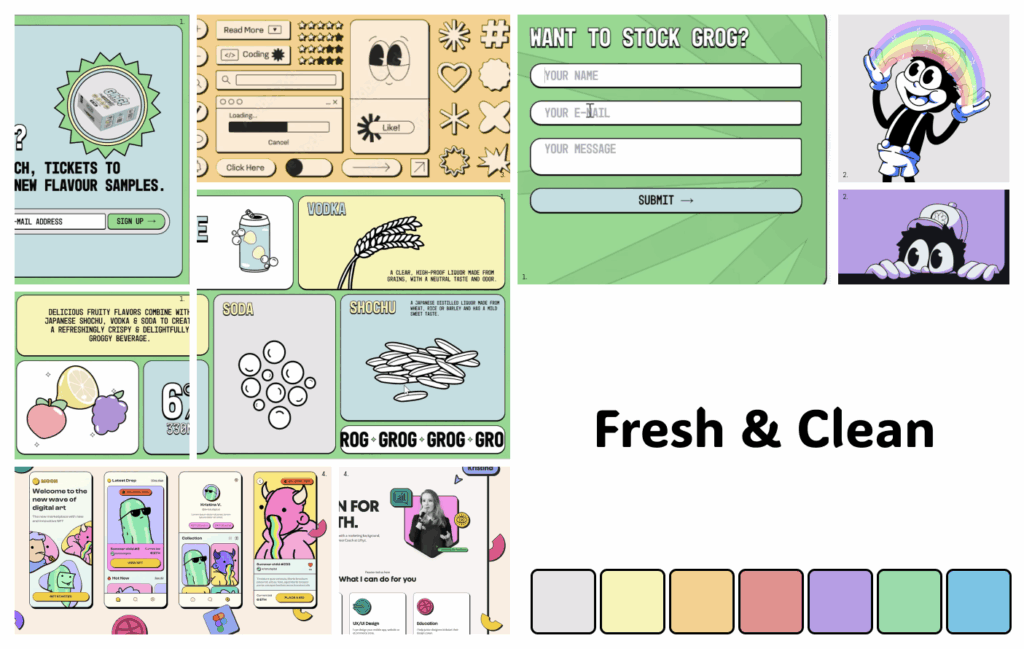
Moodboard "Fresh & Clean"
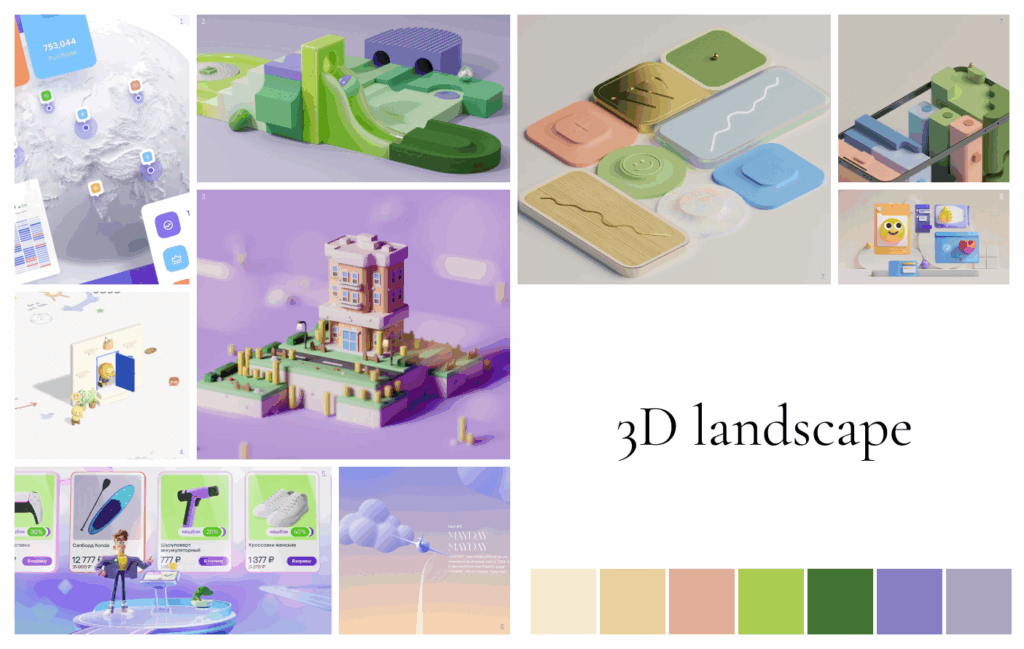
Moodboard "3D landscape"
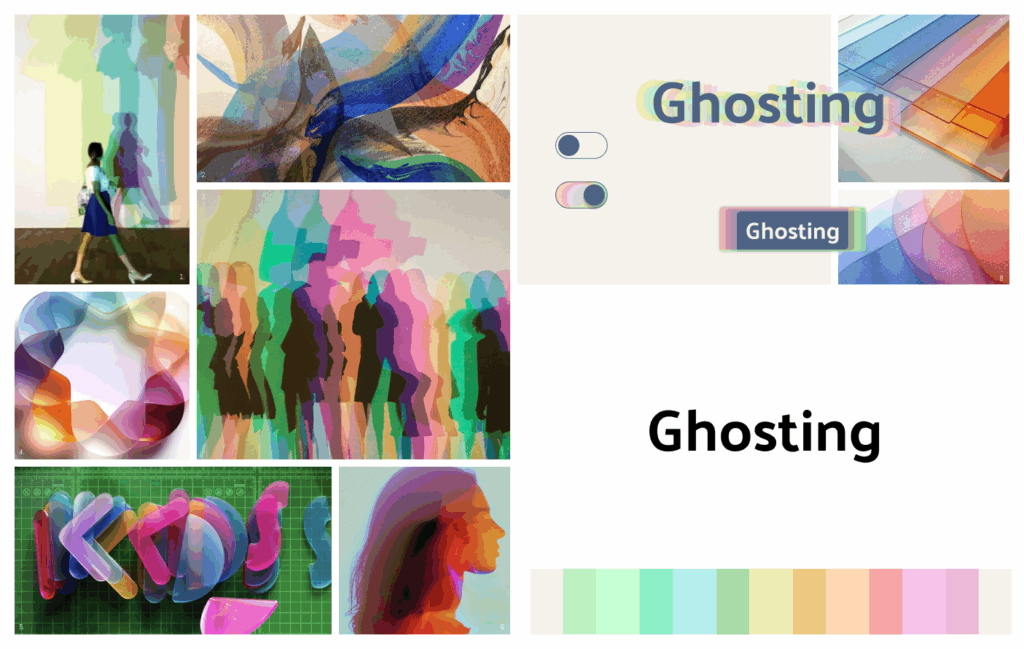
Moodboard "Ghosting"
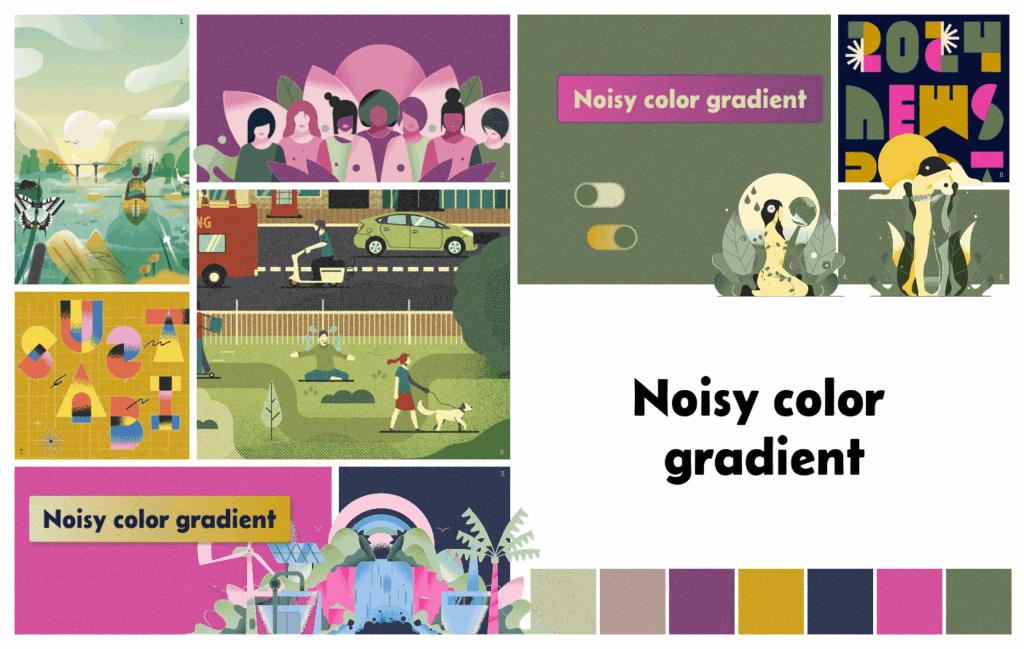
Moodboard "Noisy color gradient"
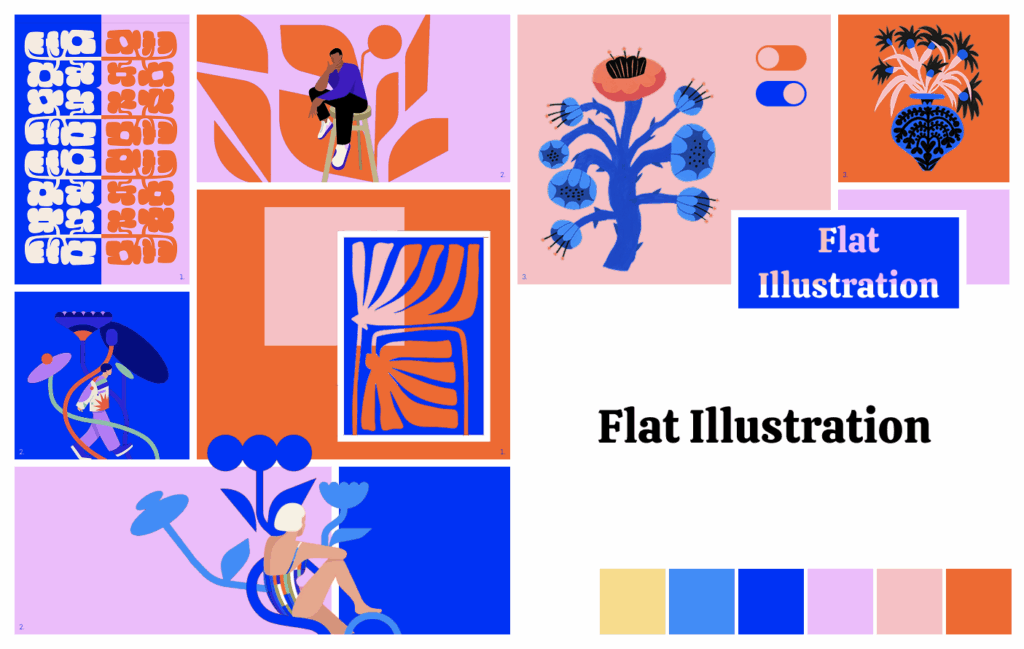
Moodboard "Flat illustration"
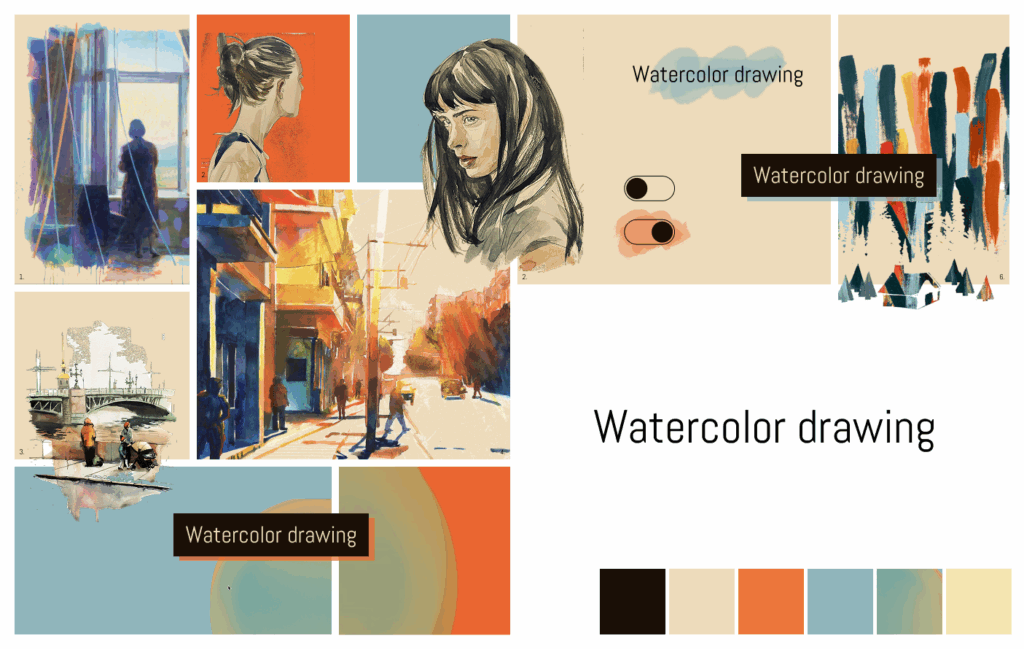
Moodboard "Watercolor drawing"

This is “Gene­ral text on ent­ry landing page after an acti­va­ted ent­ry”, is only visi­ble on an ent­ry landing page of an ent­ry and can be con­fi­gu­red for every cg_​gallery short­code type in “Edit opti­ons” »> “Ent­ry view”
NOTE :the cg_​gallery… short­code with entry_​id added to this page can be pla­ced on any other of your pages
NOTE :social media share icons can be con­fi­gu­red in “Edit opti­ons” »> “Ent­ry view”
NOTE :“Back to gal­lery but­ton cus­tom URL” can be con­fi­gu­red in “Edit opti­ons” »> “Ent­ry view”

Nach oben scrollen