This is “Gene­ral text on ent­ry landing page befo­re an acti­va­ted ent­ry”, is only visi­ble on an ent­ry landing page of an ent­ry and can be con­fi­gu­red for every cg_​gallery short­code type in “Edit opti­ons” »> “Ent­ry view“
NOTE :the cg_​gallery… short­code with entry_​id added to this page can be pla­ced on any other of your pages
NOTE : social media share icons can be con­fi­gu­red in “Edit opti­ons” »> “Ent­ry view“
NOTE : “Back to gal­lery but­ton cus­tom URL” can be con­fi­gu­red in “Edit opti­ons” »> “Ent­ry view”

Kei­ne Ein­trä­ge gefunden 

This text is visi­ble until first ent­ry appears in the gal­lery.
This text can be con­fi­gu­ra­ted in “Edit opti­ons” »> “Gal­lery view opti­ons” »> “This text is visi­ble until first ent­ry appears in the gallery”

Pho­to con­test ist over 
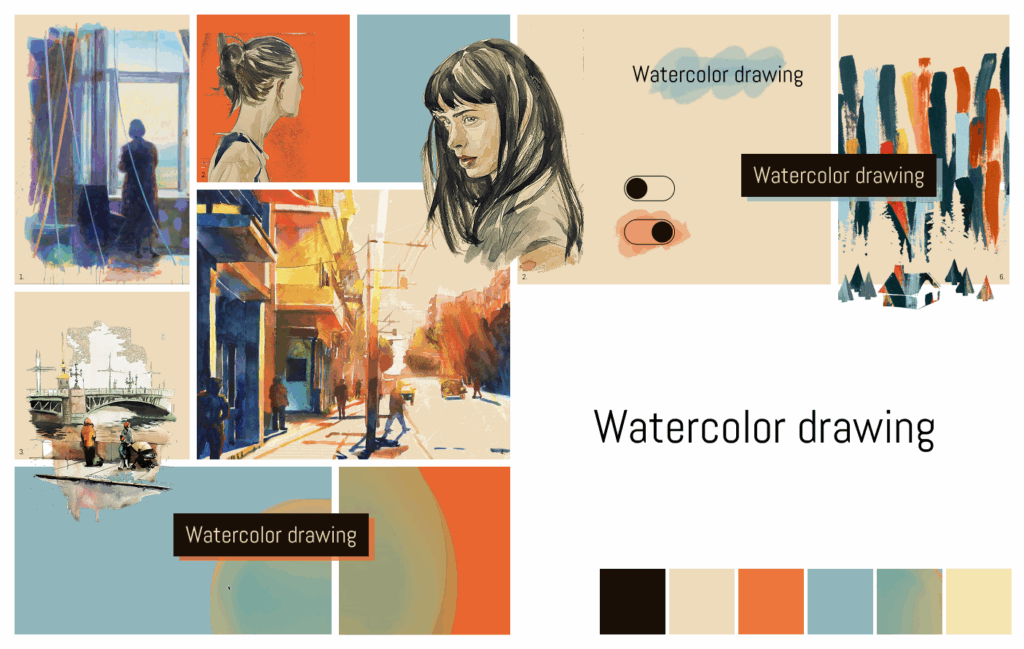
Moodboard "Watercolor drawing"
Edit

Cate­go­ry :

Sons­ti­ge

Title :

Mood­board “Water­co­lor drawing”

Descrip­ti­on :

Inspi­riert durch : 1. “No Begin­ning Nor End” von Ken­neth Pils (www​.behan​ce​.net/​k​e​n​n​e​t​h​_​p​ils) 2. “Moleskine_​drawing 1” von Kasiq Jung­woo (www​.behan​ce​.net/​k​a​s​i​q​j​u​n​g​woo) 3. “Neva” von Daria Mali­ko­va (www​.dribb​b​le​.com/​D​a​r​y​a​M​a​l​i​k​ova) 4. “water­co­lor sun” von Maja Wrońs­ka (www​.behan​ce​.net/​t​a​k​maj) 5. www​.gent​ler​ain​.ai/ 6. T‑Shirt Using Authen­tic Abs­tract Art Pain­ted by Ele­phants ! von Dudeowl (www​.99de​signs​.de/​p​r​o​f​i​l​e​s​/​d​u​d​e​owl)

Save

99
😀😃😄😁😆😅😂🤣🙂🙃😊😇😍😘😜🤑🤗🤔😔🤢🤯🧐🥳🙆🖖👌🤏👍👎👊👏🤝🚀🛸🌙🔥🌍🌎🌏🏔🌋🏖🏝🍊🍄🍿🍣🍰🍕🍔🍟🛀💎🗺🕹📚🐱🐪🐹🐤

999
😀😃😄😁😆😅😂🤣🙂🙃😊😇😍😘😜🤑🤗🤔😔🤢🤯🧐🥳🙆🖖👌🤏👍👎👊👏🤝🚀🛸🌙🔥🌍🌎🌏🏔🌋🏖🏝🍊🍄🍿🍣🍰🍕🍔🍟🛀💎🗺🕹📚🐱🐪🐹🐤

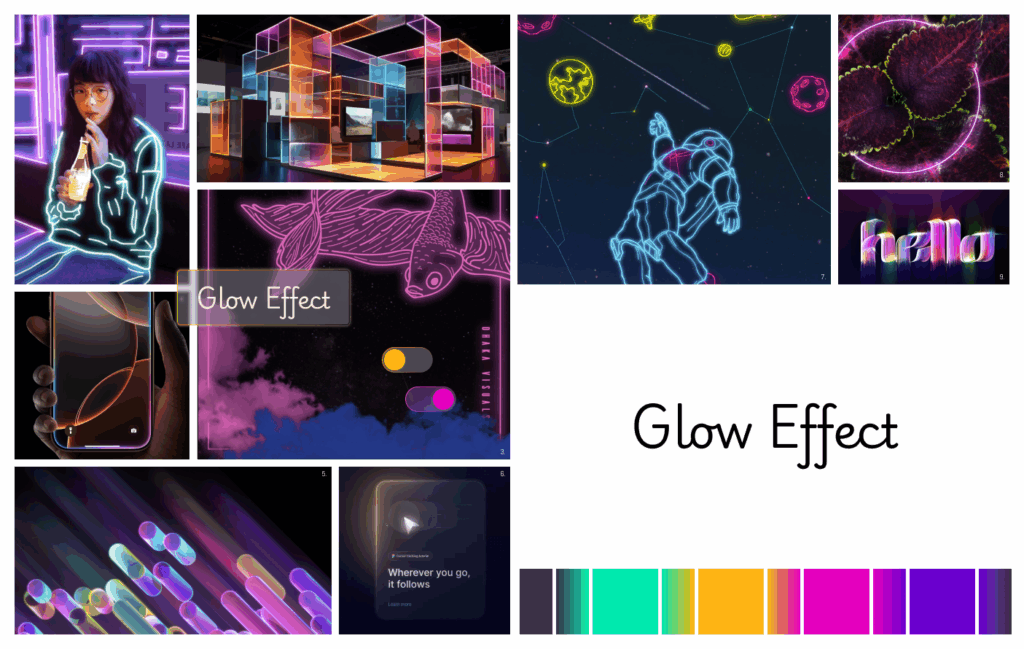
Moodboard "Glow Effect"
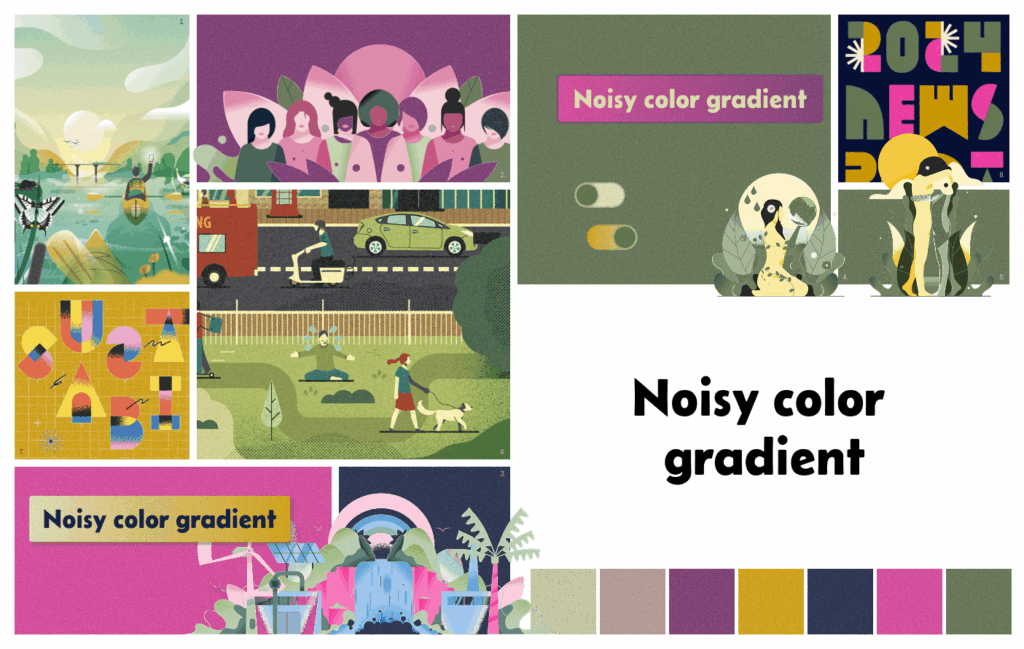
Moodboard "Noisy color gradient"
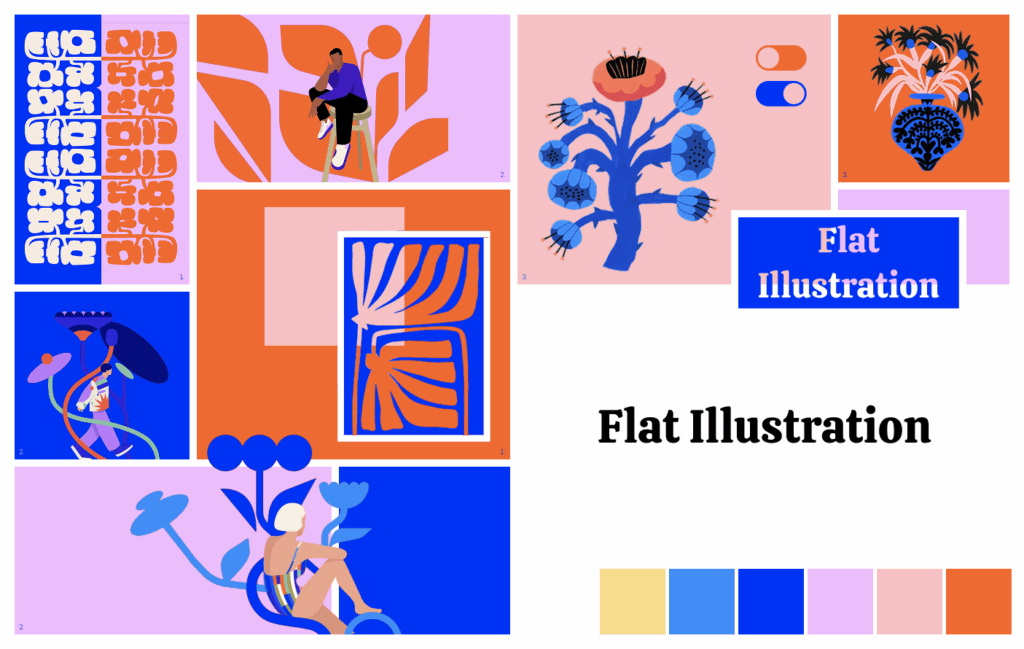
Moodboard "Flat illustration"

This is “Gene­ral text on ent­ry landing page after an acti­va­ted ent­ry”, is only visi­ble on an ent­ry landing page of an ent­ry and can be con­fi­gu­red for every cg_​gallery short­code type in “Edit opti­ons” »> “Ent­ry view“
NOTE :the cg_​gallery… short­code with entry_​id added to this page can be pla­ced on any other of your pages
NOTE : social media share icons can be con­fi­gu­red in “Edit opti­ons” »> “Ent­ry view“
NOTE : “Back to gal­lery but­ton cus­tom URL” can be con­fi­gu­red in “Edit opti­ons” »> “Ent­ry view”

Nach oben scrollen